

Media Remote in Remote Mouse has been quietly upgraded. The interface hasn’t changed, but what it can control has expanded a lot.
Before, it mainly worked with a few desktop apps like VLC, iTunes, and presentation tools like Keynote or PowerPoint. Now, it works across desktop players, browsers, streaming platforms in a much more flexible way.
1. Browser Video
The biggest change is how Media Remote works in the browser. You can now control videos on platforms like:
- YouTube
- Netflix
- Disney+
- Prime Video
- Bilibili
- Twitch
Open any video, and it just works. No extra setup required. Behind the scenes, Remote Mouse detects the active video player, automatically focuses it, and sends the right control commands.
2. Desktop Media
Local apps are still the most stable scenario, and they remain supported. Common players include:
- VLC
- IINA
- Spotify
- iTunes
- Infuse
Playback, pause, and volume control are handled directly, responsiveness is consistent and predictable.
3. Presentations
Presentation support for Keynote and PowerPoint remains unchanged. You can move between slides and toggle black or white screen when needed.
4. Volume Buttons
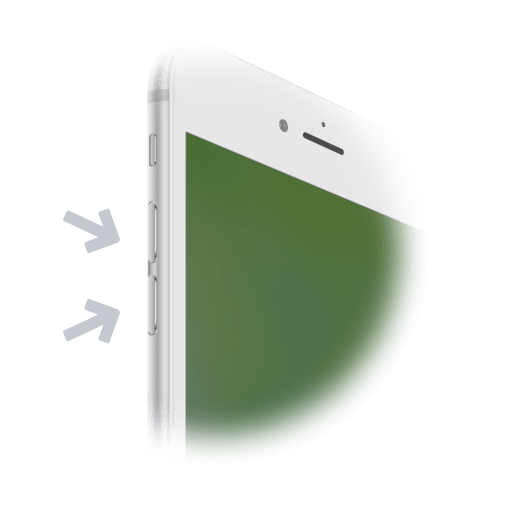
Your phone’s volume buttons can act as controls, depending on what you’re doing, they can:
- Adjust system volume
- Move slides forward/backward
This is one small feature but surprisingly useful. No need to look down at your phone, you can operate it entirely by touch, similar to using a physical remote.
Tools follow usage patterns over time. Media consumption has largely moved into the browser, not just streaming, but also live content and short videos. This update is simply a response to that shift. But it’s still only a step.
 Accessibility
 Automation → System Events