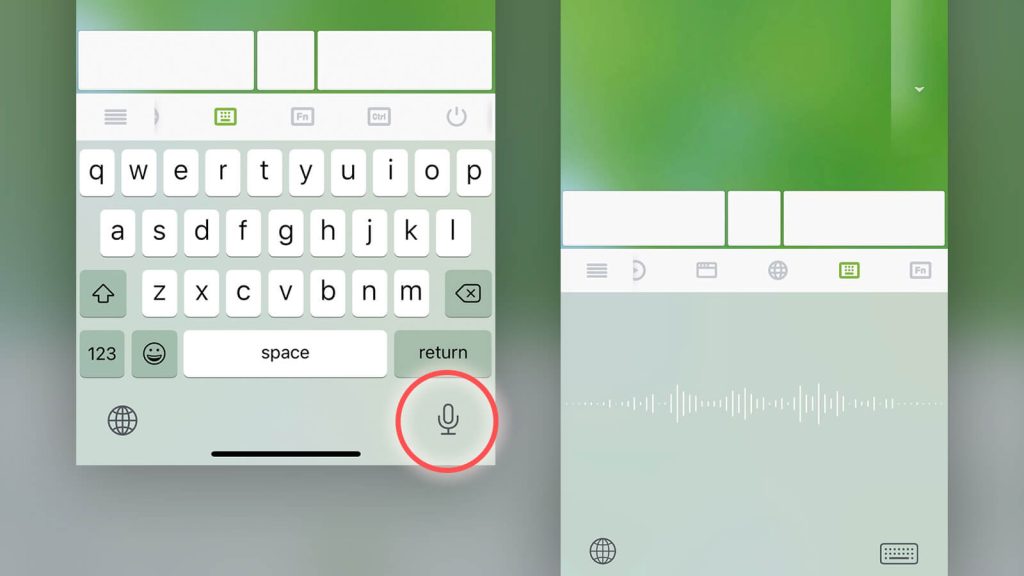
In addition to the standard alphabetical keyboard, Remote Mouse provides a Shortcut Bar and a Numeric & Function Keypad. Together, these three input methods cover the full range of shortcuts and key combinations available on a physical keyboard, making it easier to control your computer efficiently from your phone.
The examples below show how Remote Mouse keyboard shortcuts work in real use.
The Shortcut Bar
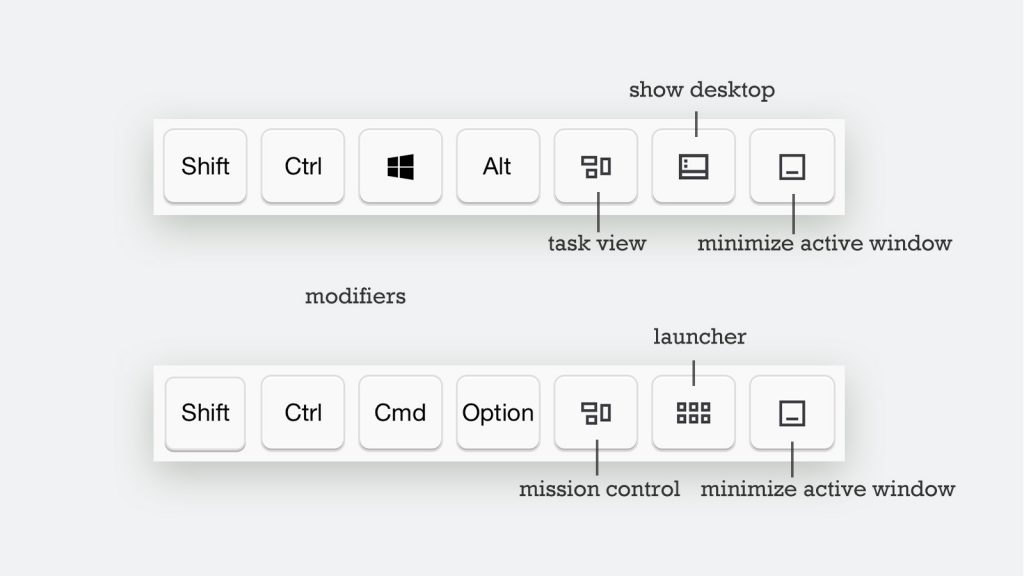
The Shortcut Bar can be used together with other keyboards and special input panels.
It automatically adapts to the connected computer’s operating system, displaying the appropriate keys for Windows or macOS.
- The four keys on the left are modifier keys
- The three keys on the right provide quick controls
Modifier keys can be combined with either the English keyboard or the Numeric & Function Keypad to send shortcut commands.
Using Keyboard Shortcuts
Because of the limited screen size on mobile devices, shortcut key combinations are entered step by step, rather than pressed simultaneously as on a physical keyboard.
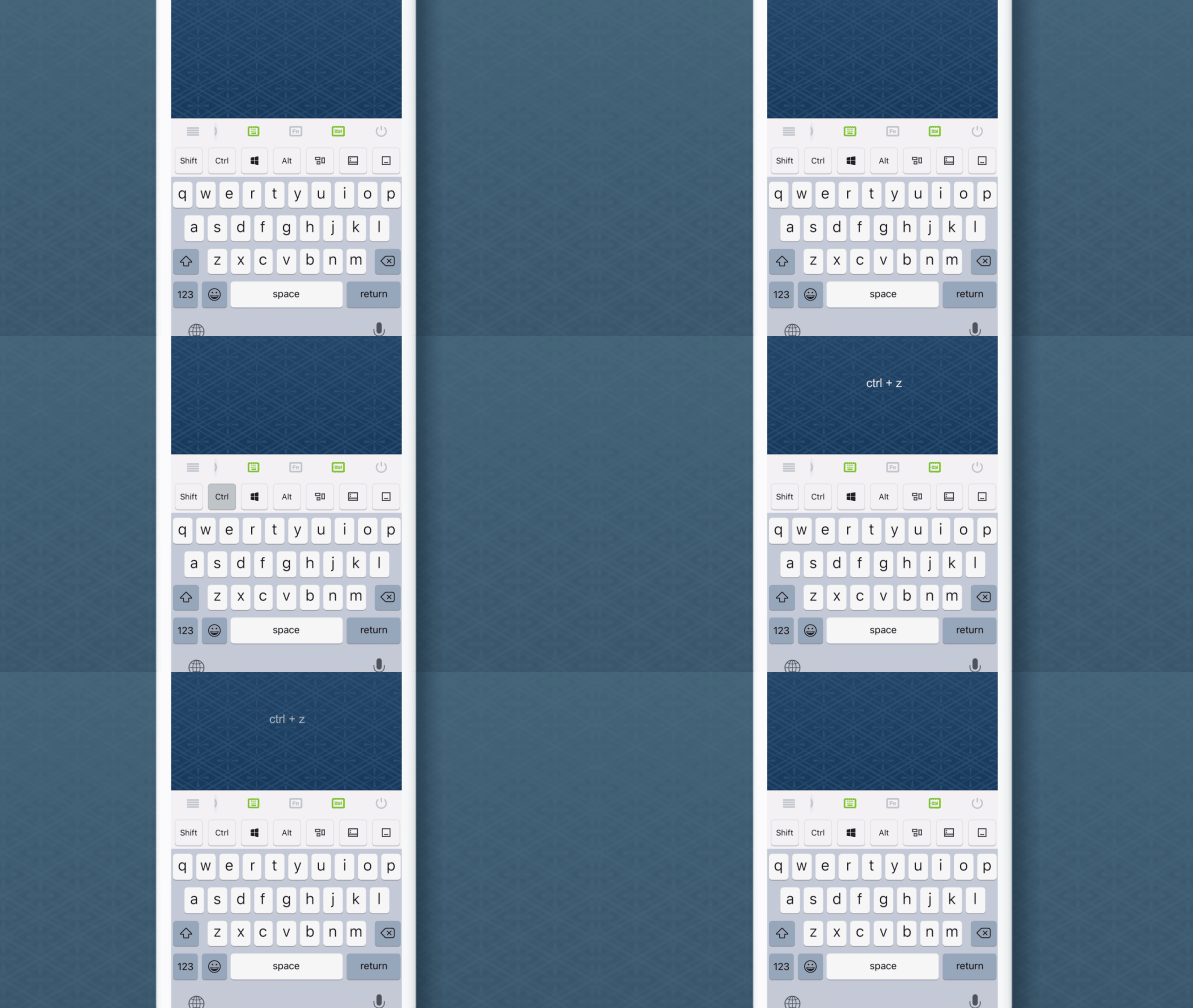
Tap Ctrl first, then Z