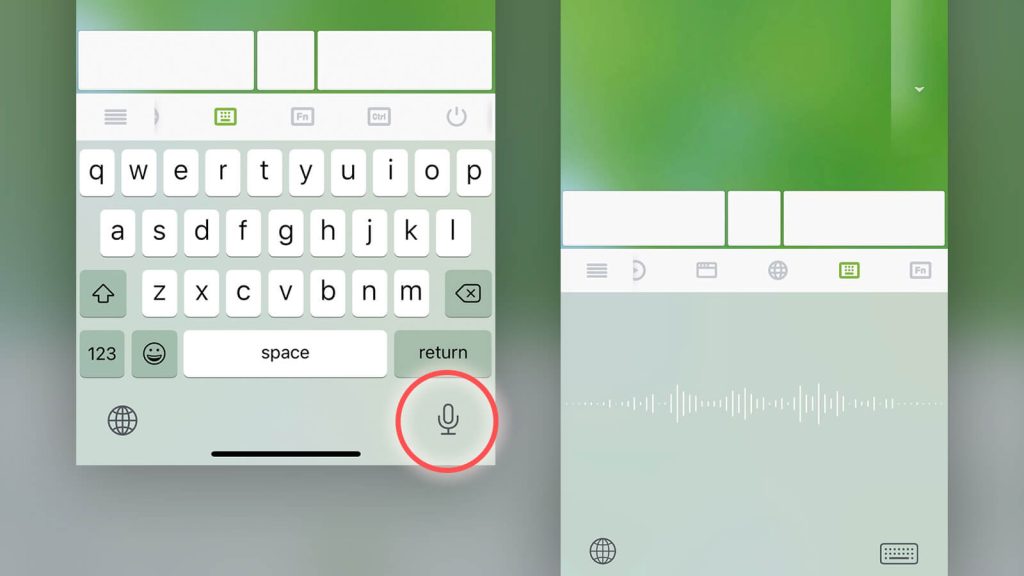
Remote Voice Typing is a convenient and surprisingly powerful way to enter text on your computer using your phone’s microphone. Instead of typing long paragraphs on a physical keyboard, you can simply speak naturally and let your phone handle the transcription in real time.
To get started, tap the voice input icon on the Remote Mouse keyboard and begin speaking into your phone. Your spoken words will instantly appear as text on your computer, making it ideal for quick notes, longer messages, or hands-free input.